

Activate Enterprise Grid on Airgapped Edition Enterprise Grid
Enterprise Grid activates on the whole instance from God mode, and one license covers every workspace on it, including workspaces created later. On an airgapped instance you do that with a license file rather than a key, because the instance cannot reach prime.plane.so to check one.
INFO
Plane offers the Airgapped Edition with Enterprise Grid only.
A license file is issued for one Plane version, so an upgrade needs a fresh one. The file is pinned to your Plane version covers what to do.
Before you start
- Your airgapped instance is running. See Airgapped Edition.
- You are an instance admin and can sign in to God mode.
- You have an Enterprise Grid license. Airgapped licenses come from sales, not portal checkout.
- You have a machine with internet access that can sign in to the Prime portal, and a way to move a small
.jsonfile from it into the airgappednetwork.
Find your Plane version
The license file is issued for one Plane version, so check which version your instance runs before you download it.
Sign in to your instance in God mode, then select Billing in the left pane.
Note the Instance app version under Instance details.
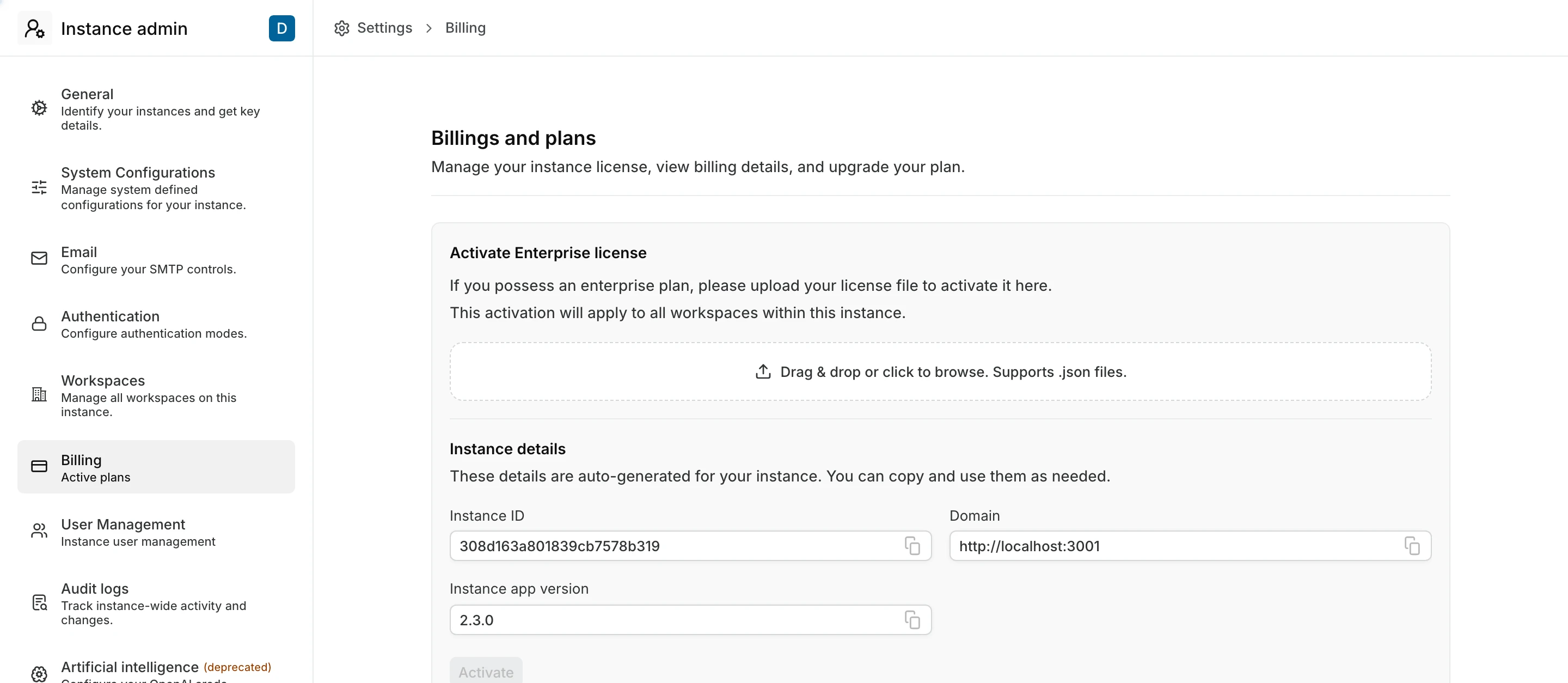
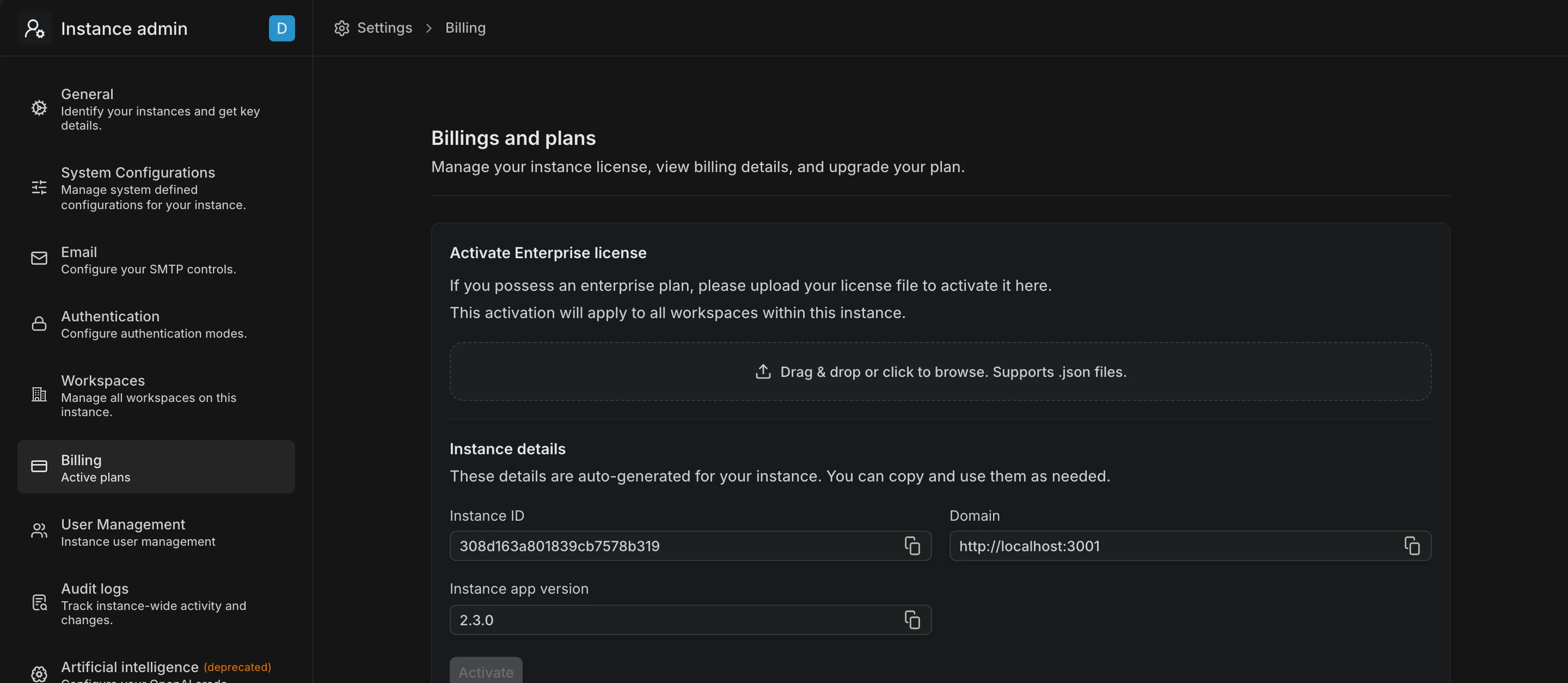
The download does not need the instance ID or domain shown on the same card.
Get your license file
Do this on the machine with internet access.
Sign in to the Prime portal with the email address used to purchase the license.
Open your Enterprise Grid license, then click Download License.
Choose your App Version, then click Download. Pick the version you noted from Instance app version.
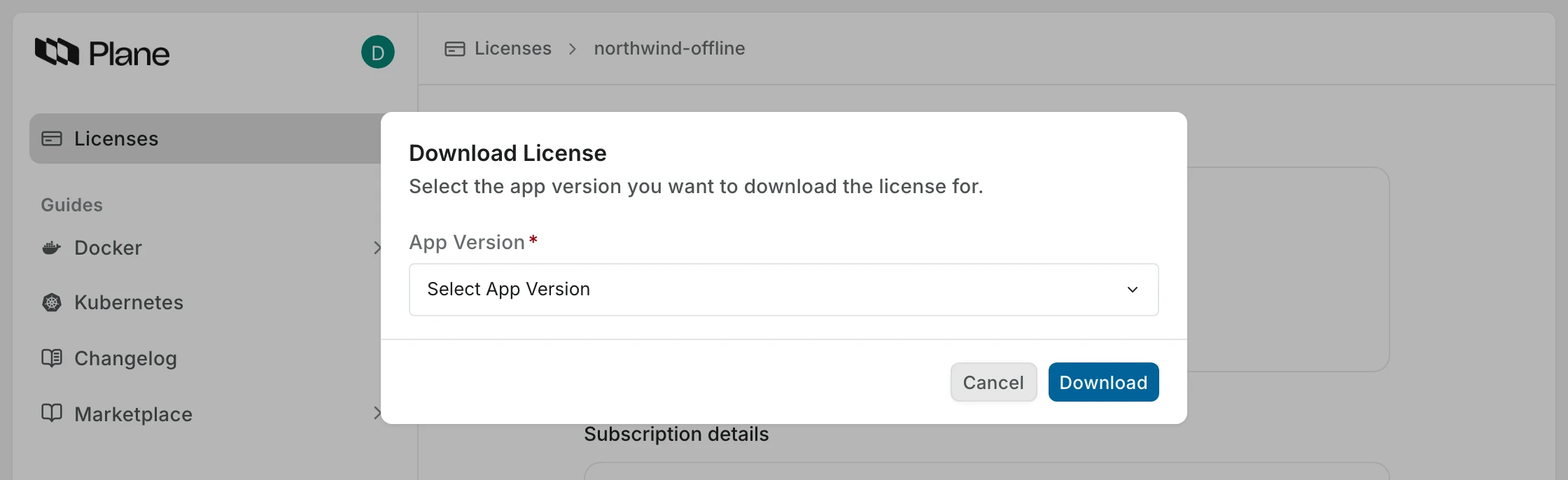
Move the .json file to a machine that can reach your Plane instance.
Upload the file
In God mode, go to Billing.
Drag the
.jsonfile onto the upload area, or click to browse for it. The upload accepts.jsonfiles only.Click Activate.
Billing now shows the Enterprise Grid plan, your total seats, how many are unused, and your billing period. Enterprise features are available in every workspace on the instance.
The file is pinned to your Plane version
The license file records the app version it was issued for, and your instance only looks for a file matching the version it is running.
An airgapped instance keeps its plan when the file cannot be read, until the licensed period ends. Then it moves to Free. Sync plan shows Sync error until you upload a matching file. Make the upload part of the upgrade.
To upgrade without losing your plan:
- Download a license file for the new version.
- Update Plane.
- In God mode, go to Billing, click the ... button on the plan card, then Delink license key and confirm. The upload area appears once the old license is released.
- Upload the new file.
Your instance saves the file under the version it is running, so upload after the upgrade, not before.
See Update airgapped Docker and Update airgapped Kubernetes.
How Enterprise Grid counts seats
Enterprise Grid counts every active user account on the instance as a seat, with no Guest allowance. A person in several workspaces counts once. See How seats are counted.
You cannot buy seats yourself offline, because there is no checkout to reach. Talk to your Plane contact, then delink the current license and upload the file they issue, as in the upgrade steps above.
Troubleshoot
- License errors, organized by the message you see.
- How self-hosted licensing works covers scope, timers, and seats.