

Activate Enterprise Grid on Commercial Edition Enterprise Grid
Enterprise Grid activates on the whole instance, from God mode. One key covers every workspace, including workspaces created later.
Before you start
- You are an instance admin and can sign in to God mode.
- Your instance can reach
https://prime.plane.soon port 443. - You have an Enterprise Grid license. Enterprise Grid is not self-serve, so it comes from sales rather than portal checkout.
WARNING
Activating Enterprise Grid deactivates every other license on the instance. Any Pro or Business key already activated on a workspace is released, and that workspace moves under the Enterprise Grid license. See What happens to existing workspace licenses.
Activate your license
Sign in to the Prime portal with the email address on the Enterprise Grid order.
Open the Enterprise Grid license and copy its License Key.
Sign in to your instance in God mode, then select Billing in the left pane.
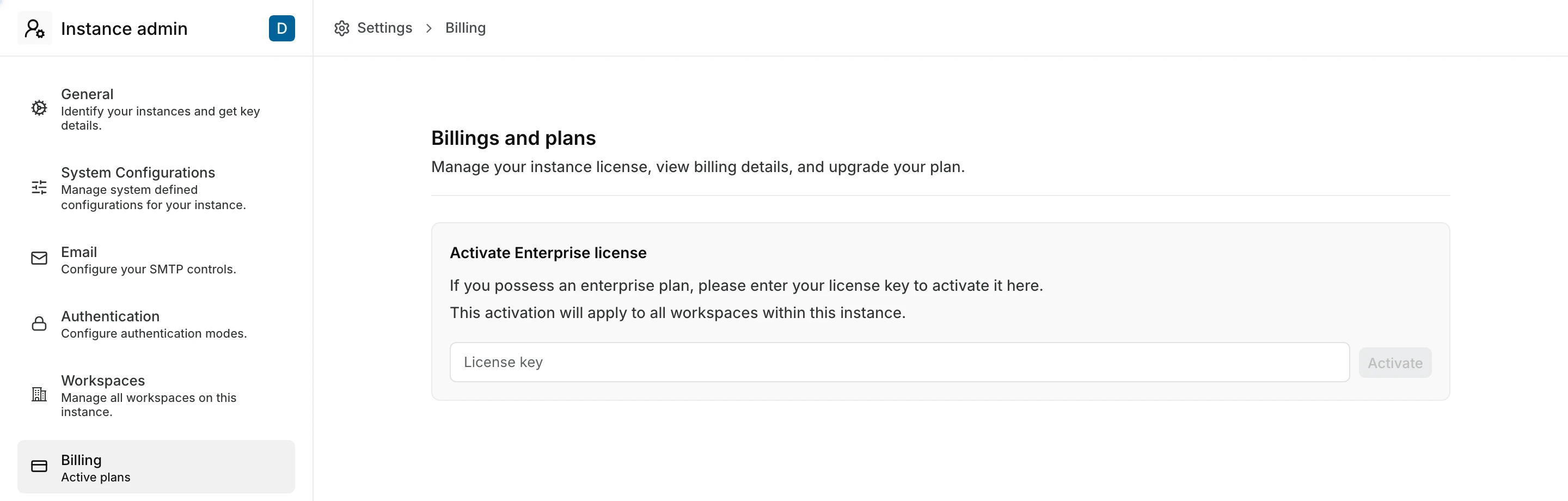
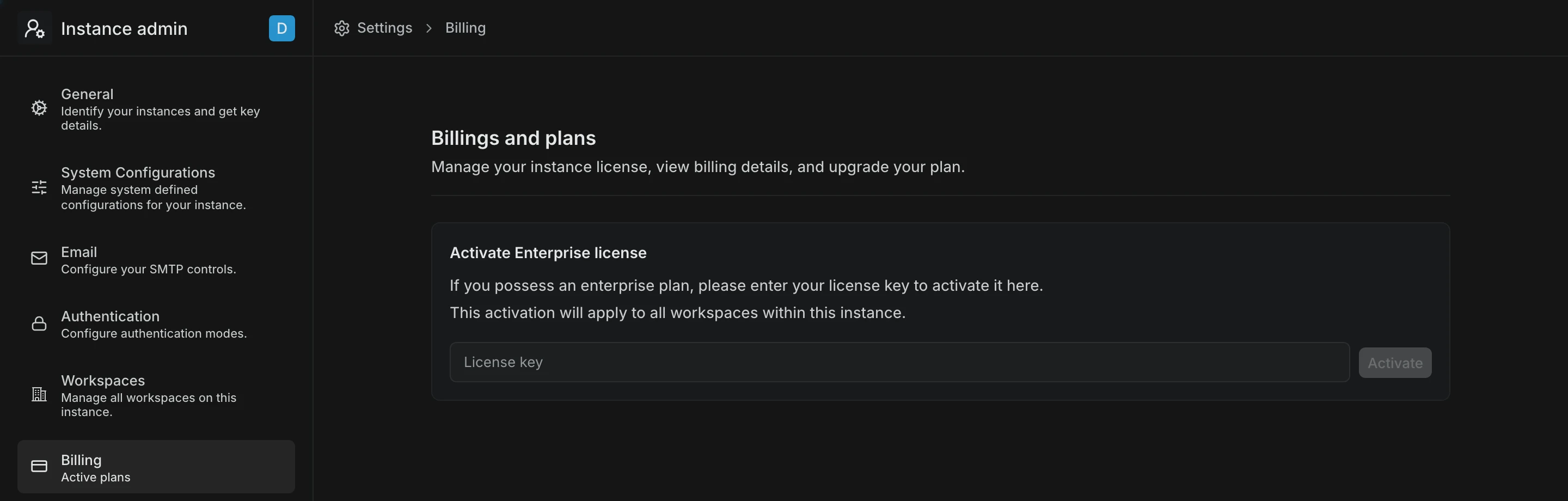
Paste the key into License key, then click Activate.
Wait for the confirmation. Billing now shows the Enterprise Grid plan, your total seats, and your next invoice date.


Enterprise Grid features are now available in every workspace on the instance.
What happens to existing workspace licenses
An instance holds either one Enterprise Grid license or a set of workspace licenses, never both. When Enterprise Grid activates, Plane releases every workspace-level license on that instance and those keys become available to use elsewhere.
- Workspaces that were on Pro or Business keep working, now under Enterprise Grid rather than their own key.
- The released keys stay on your account and can be activated on another instance. Cancel those subscriptions in the Prime portal if you are not going to reuse them.
How Enterprise Grid counts seats
Enterprise Grid counts every active user account on the instance as a seat, plus each pending invitation for someone without an account. A person in several workspaces counts once, and there is no Guest allowance. See How seats are counted.
Instance admins add and remove seats from the same Billing screen. See Add or remove seats. If your subscription is invoice-paid, the seat controls are hidden. Ask your Plane contact instead.
Troubleshoot
- License errors, organized by the message you see.